
I still hear the haunting chime of Miraland beckoning me, only to be slammed against an invisible wall of 100% doom. Yes, I’m talking about the absolute, soul-crushing, controller-snapping verifying resources bug that has turned the latest Infinity Nikki Eerie Season update into a purgatory exclusively for PlayStation 5 devotees like yours truly. When the 1.3 patch dropped with its gothic frills and moonlit quests, I was ready to dive headfirst into a wardrobe wonderland. Instead, I found myself trapped in a loading screen loop that has aged me more than any Dark Souls boss ever could.
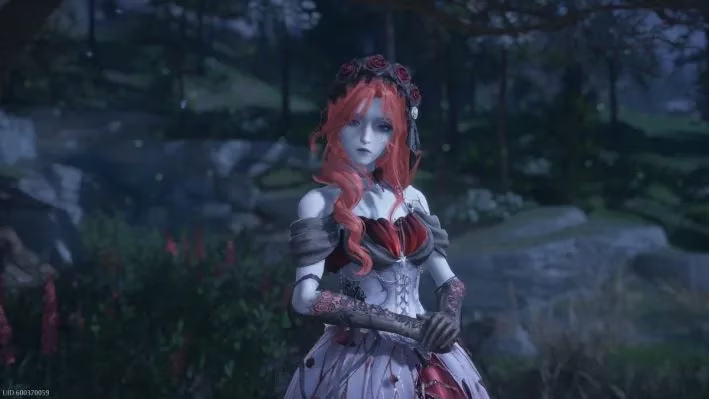
It all begins so innocently. You’re hyped, your heartbeat syncs with the download progress bar, and after those hefty 3GB of mystical fashion data land on your SSD, you fire up the game. The title screen appears, promising a world of wonder. Then comes the second wave: the in-game update install. No big deal, right? Just your routine folder-checking, corset-tightening ritual before the magical girl transformation. But then — bam — you’re staring at the "Verifying Resources" indicator crawling towards that deceitful 100%. You’re microseconds away from frolicking through haunted meadows when the universe decides to freeze. Frozen. At. 100%. Like a mannequin dipped in liquid nitrogen. This isn’t a maintenance hiccup; this is a full-blown PS5 exorcism performed by the update itself.
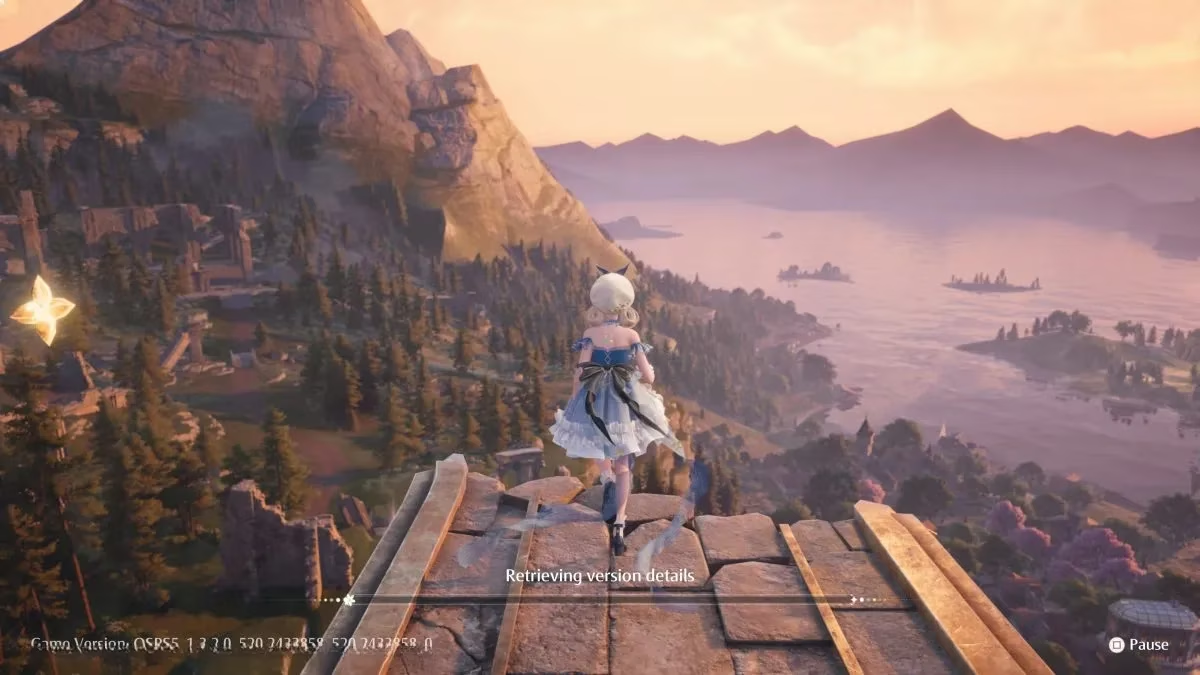
As a card-carrying member of the PS5 master race, I was personally victimized by this glitch. My mobile-toting friends and PC overlords were already swanning around in spectral gowns, sending me screenshots of their flawless gameplay. They were immune, living their best, bug-free lives. Meanwhile, I was stuck in a digital purgatory, my console mocking me with a frozen completion bar that felt like an unfinished symphony of suffering. Every logical nerve in my brain screamed, “Just reinstall the game, you fool!” I almost did. I nearly deleted the entire 60GB masterpiece out of sheer, white-hot rage. DO NOT DO THIS. Uninstalling is a trap, a time-sink that will only force you to redownload the entire package, only to land back in verification quicksand. Trust me, I’ve swerved into that ditch of despair.
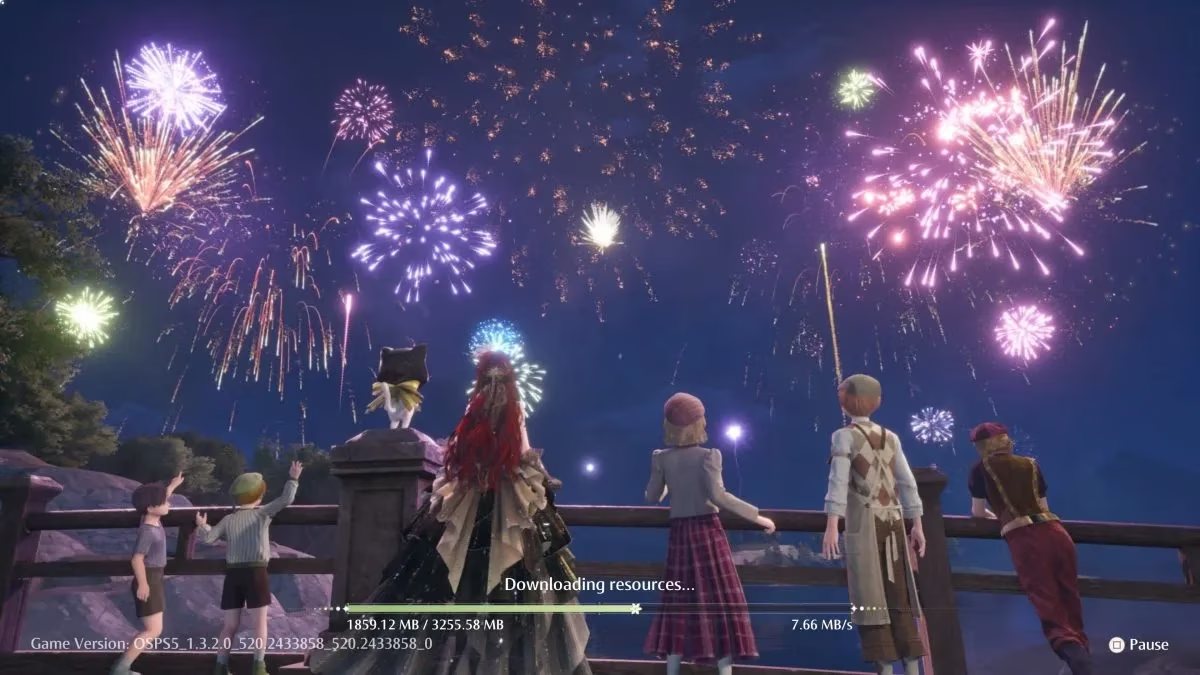
The true fix is an arcane ritual, a dance of patience and stubbornness that would make a saint weep. Here’s the step-by-step incantation I devised after three caffeine-fueled nights of trial and error:
-
🧘 Embrace the Freeze: When the verifier hits 100% and locks up, do not panic. Let it marinate in its own absurdity for at least 10 minutes. Yes, an entire decade of your life will slip away while your screen remains motionless. This is your meditation.
-
❌ The Merciful Kill: After that agonizing wait, close the game completely. Don’t just suspend it — terminate it from the dashboard like a corrupted file from a horror movie.
-
🔄 The Rebirth: Relaunch Infinity Nikki. The game will weep and demand you download those 3GB of in-game assets again. Do it. This is penance.
-
🔁 Rinse and Repeat: The first attempt might fail. The second might make you taste blood. But according to the collective wisdom of the community and my own shattered psyche, the fourth attempt is often the charm. I finally broke through on my third cycle, and the sheer relief almost made me forgive the hours I’d lost.
Here’s a quick survival chart summarizing the Carnage Index by Platform:
| Platform | Status | Emotional Damage Level |
|---|---|---|
| PS5 | Verifying Ruin | 💀💀💀💀💀 |
| PC | Flawless Glamour | 😎 |
| Mobile (iOS/Android) | Seamless Styling | 😇 |
This isn’t just a bug; it’s a full-blown psychological horror title hidden inside a cozy dress-up game. I’ve seen grown streamers reduced to tears, and I’ve personally contemplated whether my console had become sentient just to spite me. The forums are flooded with similar howls of agony, with PS5 users forming support groups while the InFold team remains radio-silent, probably buried under a mountain of bug reports and frilly accessories.
Yet, here I am, writing this in 2026, as the same bloody bug has resurfaced with a fresh seasonal update. You’d think after a year of patches, the verification ghost would have been exorcised. But no — it’s back with a vengeance, like a bad sequel nobody asked for. The method above still works, though rumor has it some brave souls have found success by unplugging their external hard drives or sacrificing a plushie to the RNG gods.
So, if you’re a PS5 Fashionista staring into the void of a frozen 100% screen, know that you’re not alone. Stay strong, resist the urge to factory reset your entire existence, and remember: the Eerie Season is worth the torment. Just barely. Now if you’ll excuse me, I need to go ice my thumbs and contemplate why I ever chose this gloriously broken platform.