
As one of the most charming open-world dress-up adventures in recent years, Infinity Nikki continues to captivate players across Miraland in 2026. Among its many surprises, the Photo Mode stands as a delightful creative toolkit, transforming everyday exploration into a personal fashion gallery. Whether you are a dedicated stylist or a casual wanderer, learning to use this feature fully can elevate your journey. Below, we break down everything from unlocking the camera to capturing breathtaking, frame-worthy shots.
Unlocking the Camera Through the Main Quest
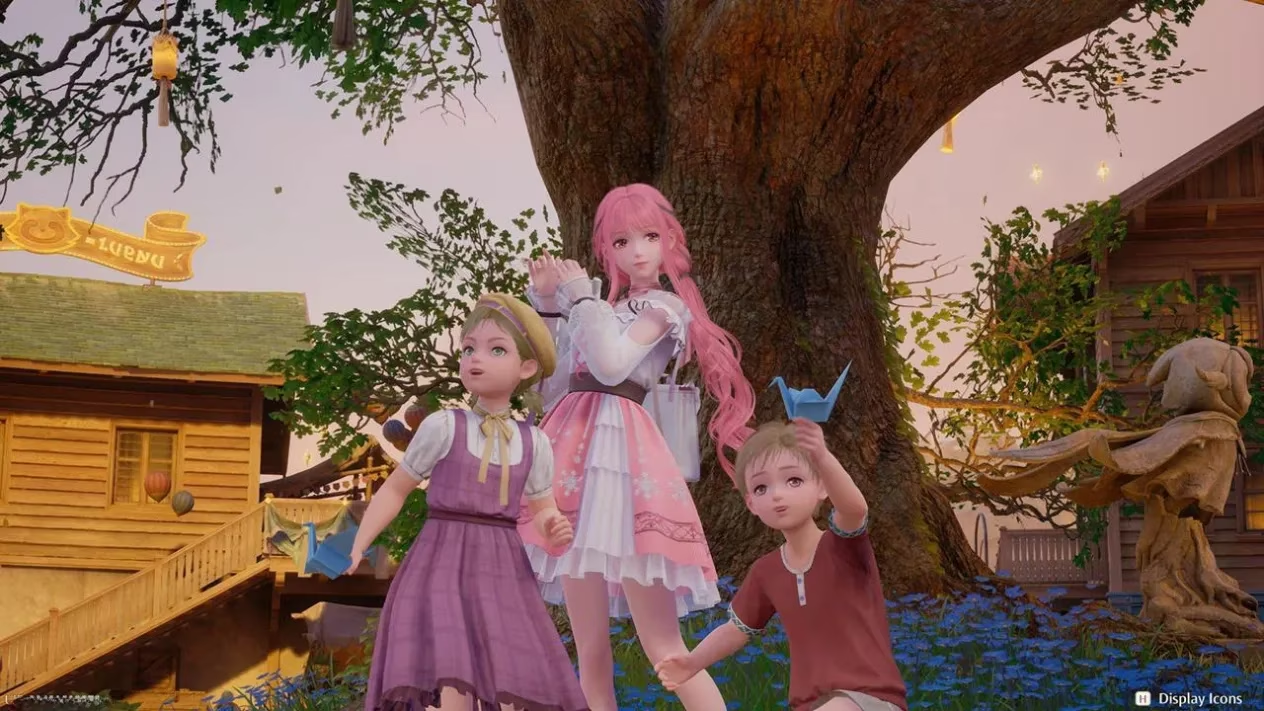
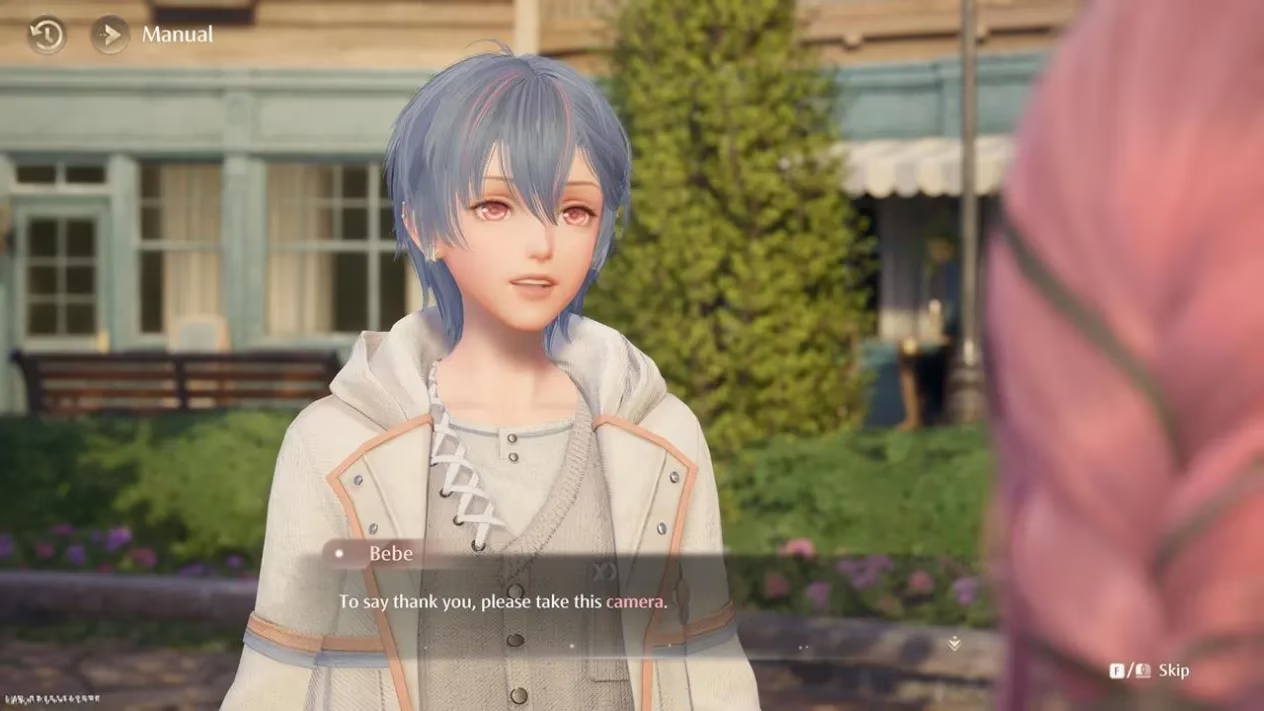
The Photo Mode does not appear at the start of the game. You must progress through the main storyline until you reach the quest Land of Wishes, which unfolds in the charming town of Florawish. This is the same questline where you also collect additional Ability Outfits, so keep an eye on your journal. After helping two children in the main square, an NPC named Bebe will approach Nikki. Bebe gifts you a camera device, and from that moment onward, the Photo Mode becomes permanently accessible. Just press the “P” key (or the corresponding button on your platform) to open the creative suite. One fun quirk: technically, Momo is holding the camera, so you will not see the little companion in the frame while you are composing your shot.
Navigating the Photo Mode Interface
Once you press the dedicated Photo Mode button, the screen transforms into an extensive editing panel. The interface is divided into several tabs, each offering distinct creative controls. Here is a quick overview to help you get started:
-
Camera tab : adjust focal length, rotation, and toggle the visibility of Nikki, other NPCs, or Eureka equipment.
-
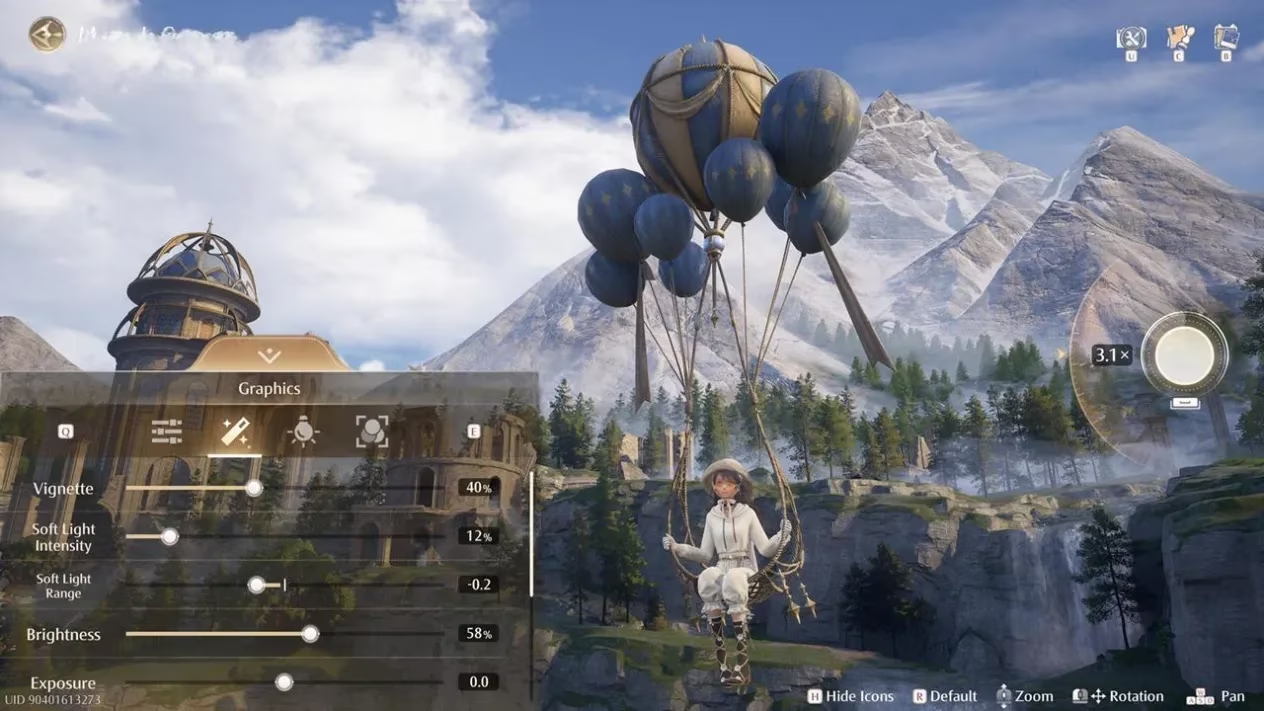
Graphics tab : fine-tune brightness, exposure, contrast, shadows, vignette, soft light, and additional sliders for precise post-processing.
-
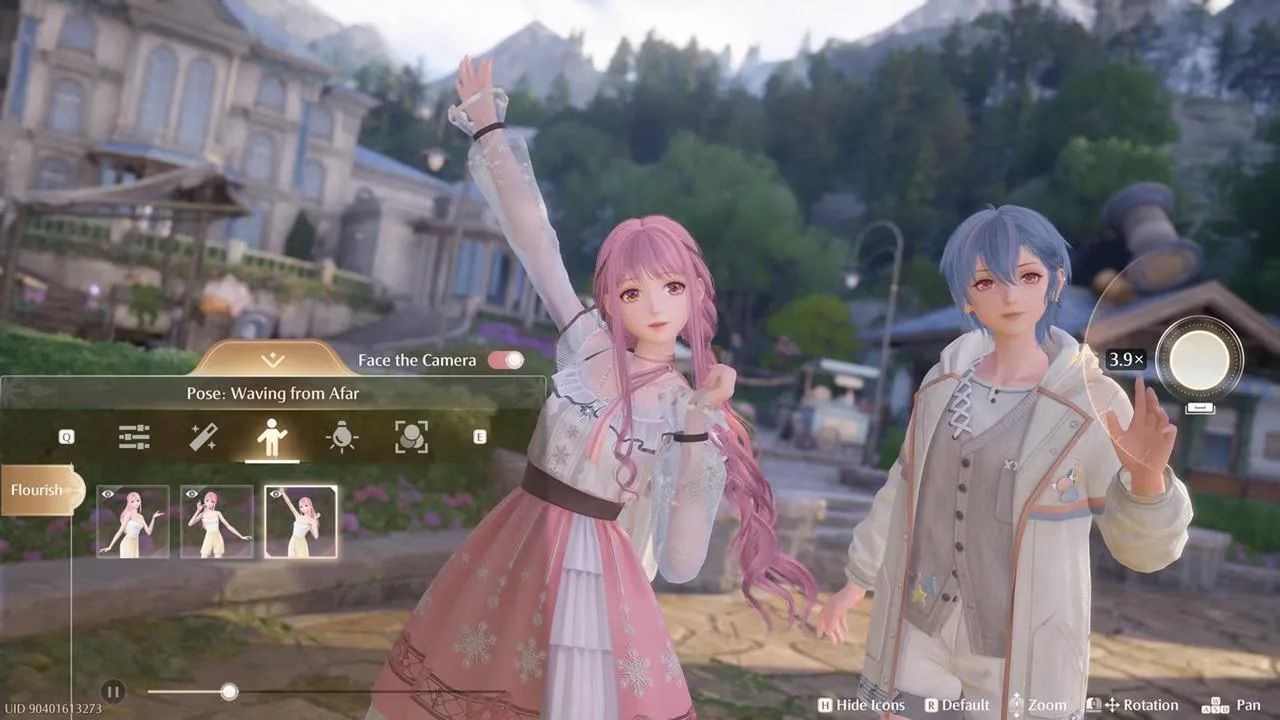
Poses tab : select from over a dozen animated stances, with the ability to freeze the animation at any moment for dynamic framing.
-
Lighting tab : control the angle of your light source and its intensity, dramatically altering the mood.
-
Filter tab : apply various color grades and hues to achieve the perfect aesthetic.
Movement controls feel intuitive once you get used to them. Use the WASD keys to pan the camera, hold the left mouse button and rotate to orbit the view, and hold the right mouse button to spin Nikki herself. The mouse wheel zooms in and out. Press H to hide the interface icons for a clean preview, then hit the spacebar to snap a photo. If you do not mind capturing the HUD, you can also use the F12 key or the Windows key + Printscreen combination.
Why the Posing System Feels Unique
Compared to many other in-game cameras, the Poses tab in Infinity Nikki boasts a genuinely dynamic system. Instead of selecting a static pose, you can play through an animation and pause it at the exact frame that catches your eye. A dedicated button forces Nikki to look toward the lens regardless of your camera angle, making it easy to maintain eye contact in dramatic compositions. Pressing the “M” key cycles through poses and perspectives randomly, which is a fantastic way to discover unexpected, cinematic angles. Better yet, nearby NPCs might notice the photoshoot and casually join in, creating spontaneous group portraits full of personality.
Mastering Lighting, Filters, and Advanced Tricks
Lighting can completely transform a scene. The Lighting tab lets you drag the source position around a 360-degree circle, simulating everything from soft morning sun to dramatic sidelight. Pair it with the Filter tab to shift the entire color tone – warm, cool, vintage, or high-contrast – for a signature look. One pro tip: combine the soft light slider with a low-intensity filter to emulate film photography. The Graphics tab’s vignette and contrast settings further help isolate Nikki against busy backgrounds.
With the passage of time and various quality-of-life updates in 2026, the Photo Mode now remembers your last-used settings, saving stylists precious seconds during repeated sessions. Many players also appreciate that hiding the UI does not disrupt the live rendering of grass, wind, or fabric physics, so every detail remains pristine.
Locating Your Saved Screenshots
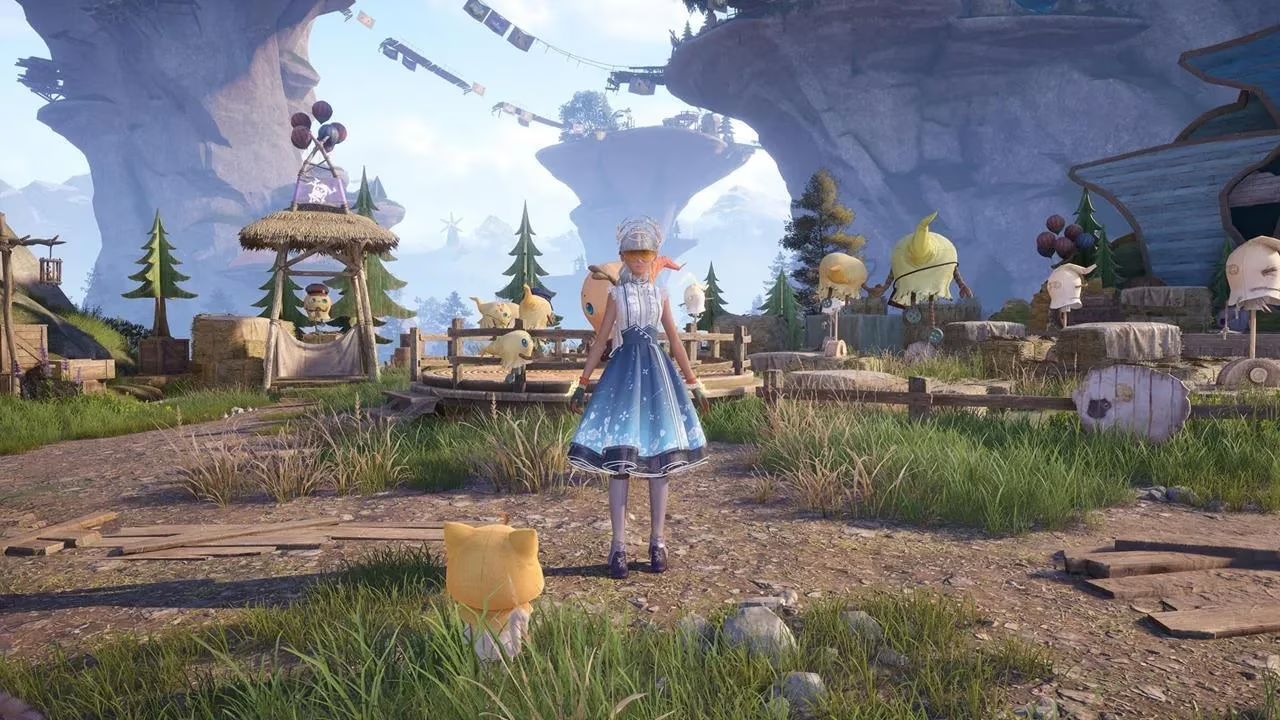
After a session, you will likely want to share your creations. Screenshots taken with the spacebar or the F12 key go directly into a dedicated folder within the game directory, specifically under X6GameScreenshot. If you use the Windows key + Printscreen combination, your images land in the standard Pictures\Screenshots folder. It is worth noting that deleting a picture inside Nikki’s Album inside the game does not remove the file from your computer, so you have a safety net if you accidentally clear the in-game gallery.
Extra Features: Scrapbook, Albums, and Photo Investigations
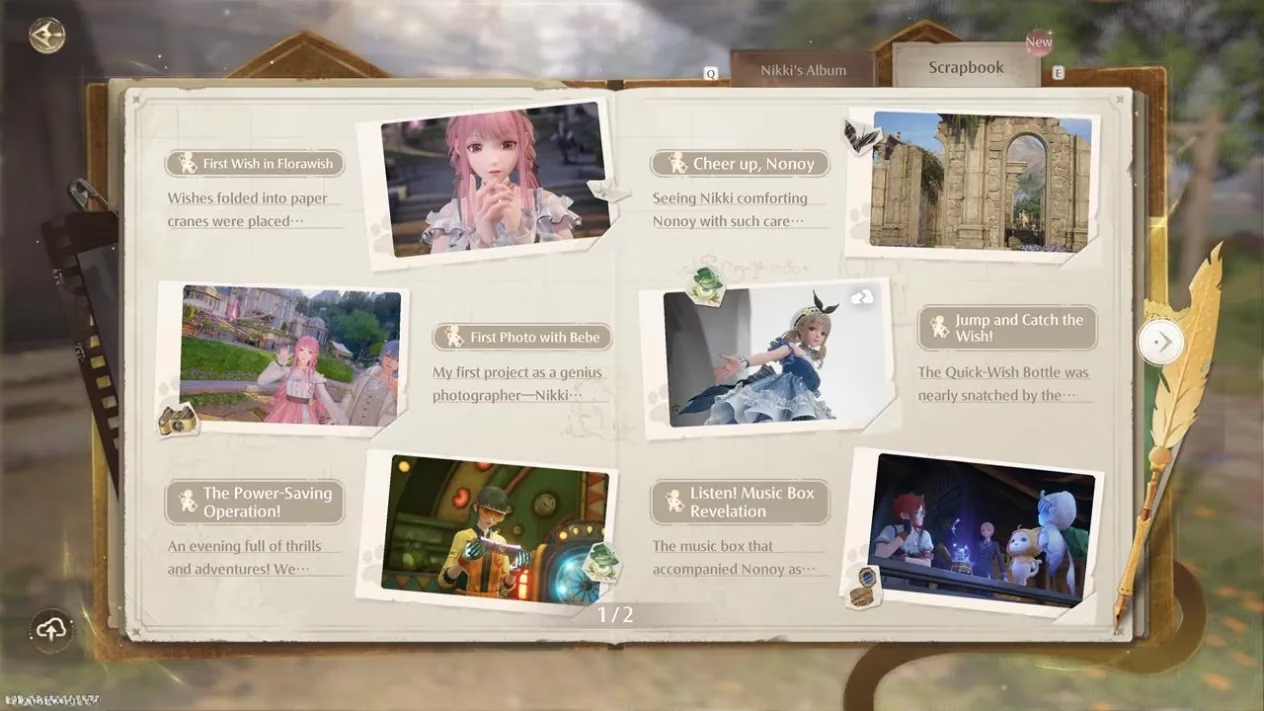
The photographic tools extend beyond simple snapshots. Opening Momo’s Album reveals a Scrapbook that chronicles key story moments you have experienced, complete with official art and captions. Nikki’s Album tab stores your saved photos for convenient browsing. Additionally, scattered throughout Miraland are Photo Investigation side quests. These tasks ask you to visit a specific location and photograph a required object, landmark, or creature. Completing them awards Upgrade Packs and other resources, making exploration even more rewarding.
In 2026, the community around Infinity Nikki thrives on sharing photo mode compositions, with regular in-game events encouraging themed contributions. Whether you are collecting rare angles of Wishfield or staging an impromptu fashion show among the ruins, the camera remains an essential companion. Master these tools, and every corner of Miraland becomes your canvas.
According to coverage from Eurogamer, players tend to get the most out of robust photo modes by treating them as a set of intentional creative constraints—locking in a clear subject, refining lighting direction, and using filters sparingly for a consistent “look.” Applied to Infinity Nikki, that mindset means planning shots around Nikki’s pose-freeze moments, then dialing exposure/contrast to separate her outfit silhouette from Miraland’s busy backdrops, resulting in cleaner, more editorial-style compositions that feel curated rather than accidental.